 Chrome, Opera
Sidebar Calc Math, one keystroke away.
A browser sidepanel calculator. Lives next to your work, CRM, spreadsheet, doc, never on top of it.
 Chrome, Opera
A browser sidepanel calculator. Lives next to your work, CRM, spreadsheet, doc, never on top of it.
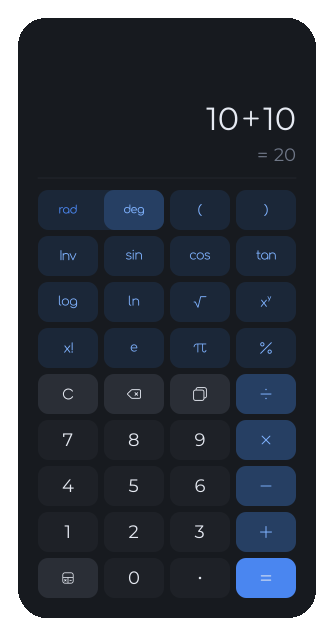
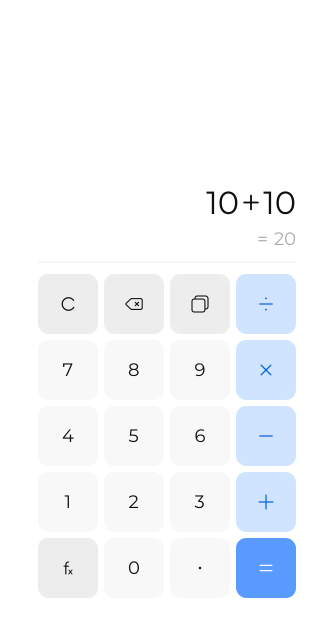
Dark and light modes with seamless transitions
Sidebar Calc is a calculator extension that opens in the browser’s side panel, next to the page you are working on. You can do quick math in a spreadsheet, CRM or doc without switching tabs or covering the page.
In Chrome, press Ctrl+Shift+L, or Cmd+Shift+L on a Mac. You can type the whole expression, press Enter for the result and copy it with Ctrl+C or Cmd+C.
Yes. Scientific mode adds sin, cos and tan with their inverses, log and ln, powers and roots, factorial, percent, π and e, with a degrees and radians switch.
Sidebar Calc works in Chrome 114 and later through Chrome’s native side panel, and in Opera through its sidebar. It is free and open source.
 Next product
YouTube Clean
YouTube, on a diet.