 iOS, macOS, Web
HeatMap Habits you can see.
A habit tracker built around a single visual everyone already understands: the contribution grid.
 iOS, macOS, Web
A habit tracker built around a single visual everyone already understands: the contribution grid.
Reading
Daily Goal
Workout
Counter
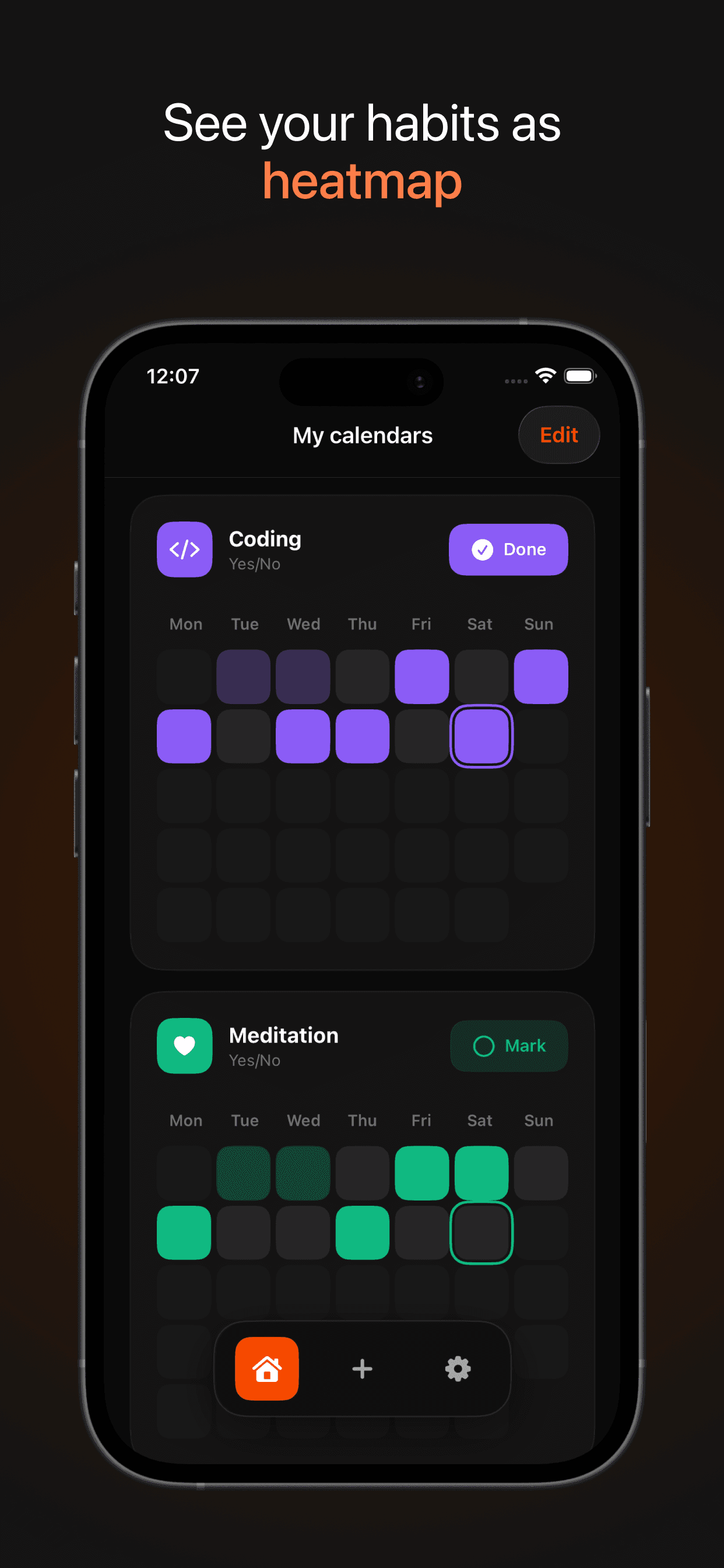
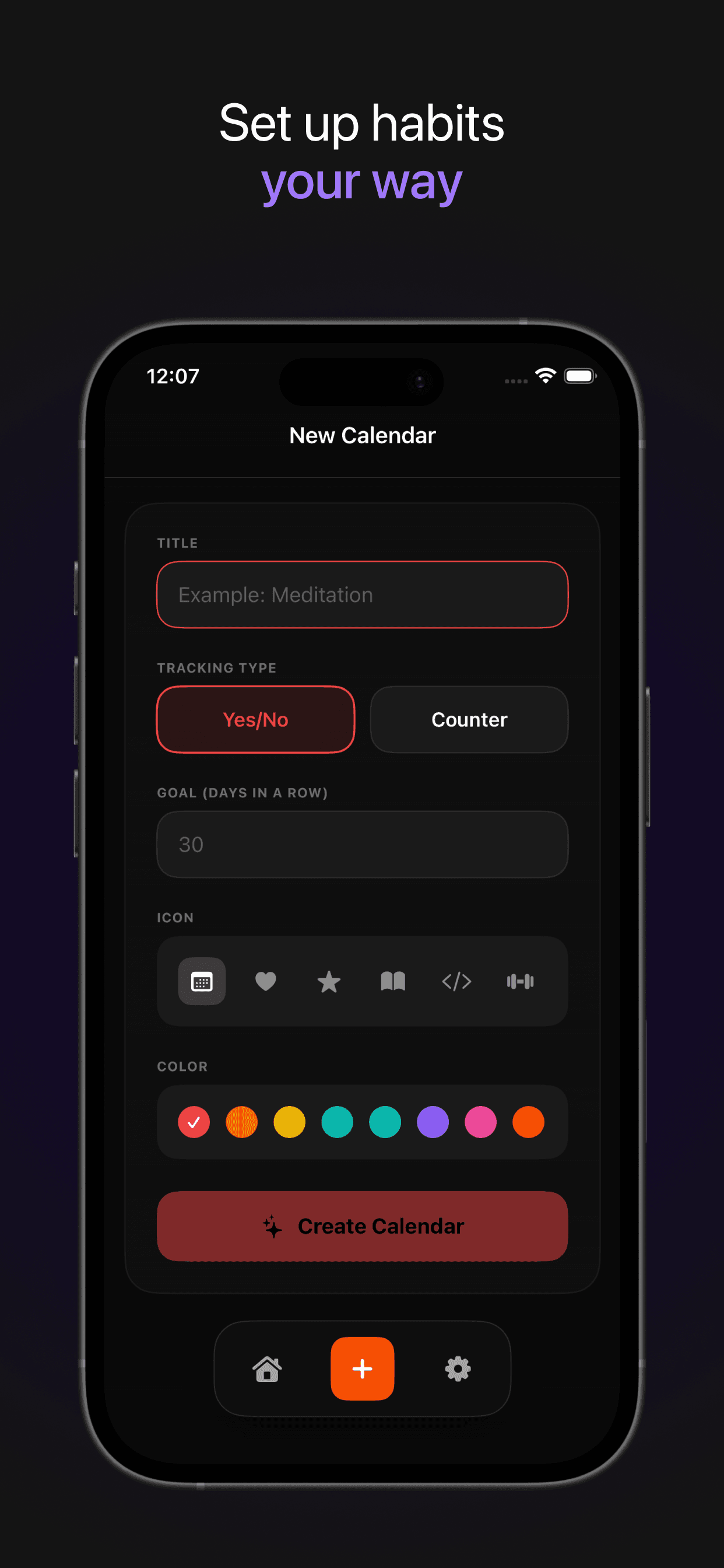
HeatMap is a habit tracker that shows every habit as a GitHub-style contribution grid, so a whole year of progress fits on one screen. Track yes-or-no habits or counted ones, such as glasses of water or pages read.
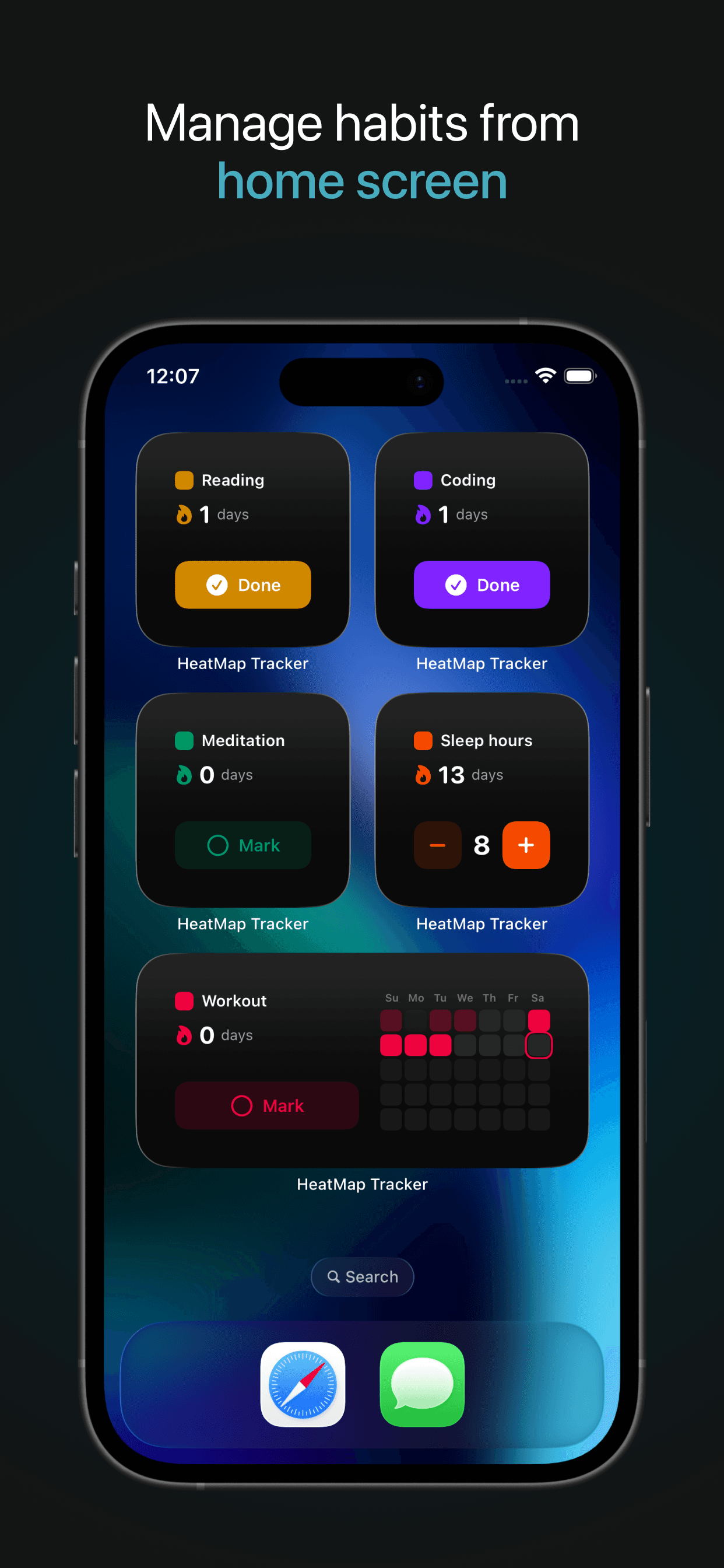
HeatMap is available for iPhone, iPad and Mac from the App Store, and as a web app at heat.2kit.app. Home screen widgets for iOS and macOS let you log a habit without opening the app.
Yes. HeatMap stores your habits on the device and works without a connection. Syncing across devices is optional and happens when you allow it.
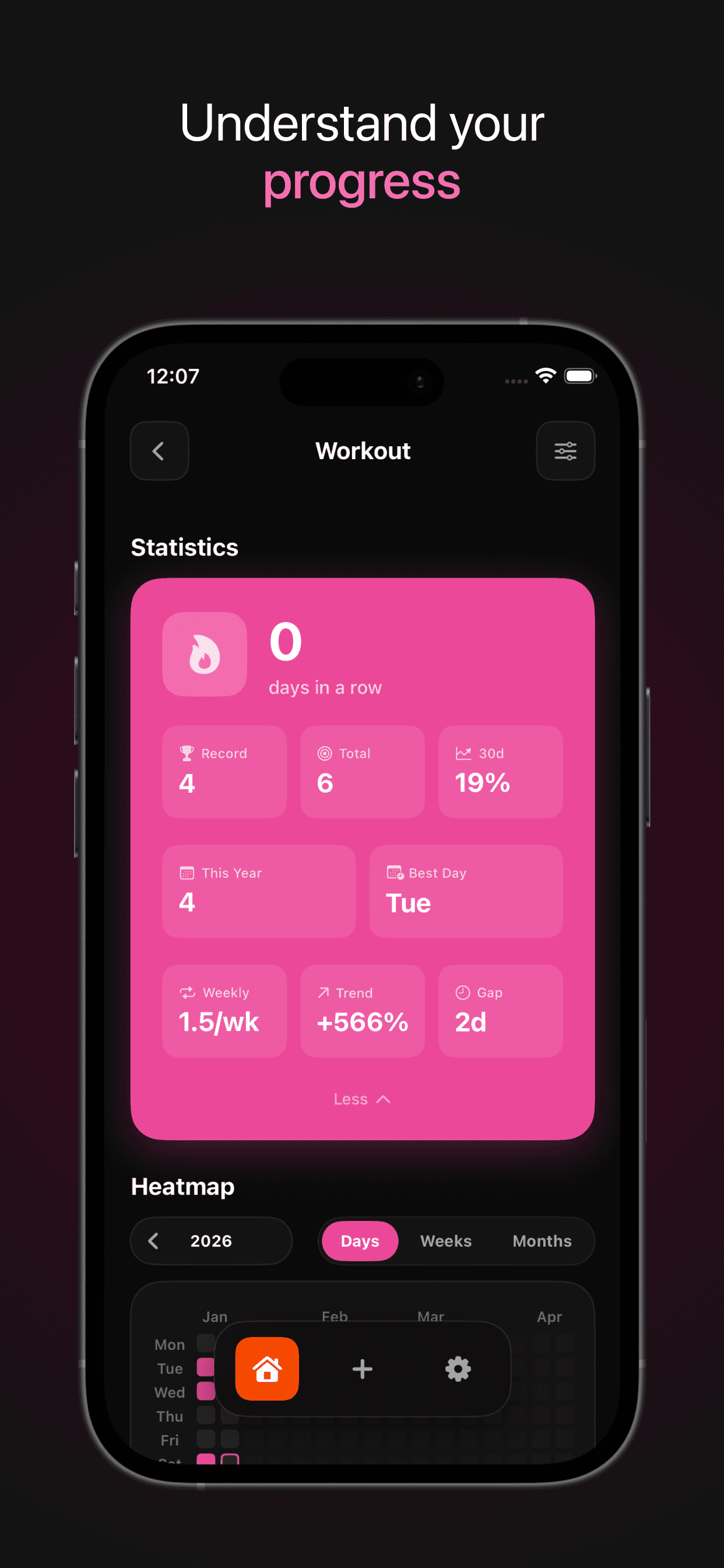
Each habit gets its current streak, best streak, total, 30-day completion rate, weekly frequency, trend against last month and longest gap, plus progress toward a goal if you set one.
 Next product
GitHub DL
Folders without the clone.