 Stream Deck, macOS, Windows
Fetcher Anything with a URL.
Point it at any endpoint, extract a value via JSON path or CSS selector, render it on a key or dial.
 Stream Deck, macOS, Windows
Point it at any endpoint, extract a value via JSON path or CSS selector, render it on a key or dial.
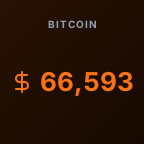
BTC
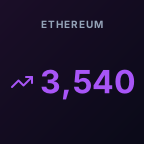
ETH
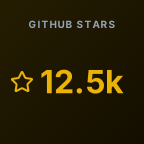
Stars
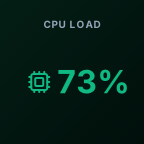
CPU

Status
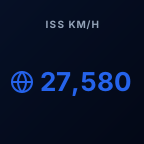
ISS
Crypto prices, GitHub stats, system metrics, service status and other live data
Fetcher is a Stream Deck plugin that shows live data from any URL on a key or dial. It reads a value from a JSON API or a web page and refreshes it on a schedule, so one plugin covers crypto prices, GitHub stars, server status and more.
For JSON, enter a path such as data.users[0].status. For HTML, enter a CSS selector, and add @attribute to read an attribute, for example meta[name=price]@content.
Yes. Add custom request headers as JSON, for example an Authorization header with a bearer token.
The interval is configurable down to 5 seconds. Keys that point at the same endpoint share one cached request, and pressing a key or turning a dial refreshes it instantly.
Yes. Fetcher is free on the Elgato Marketplace and open source under the MIT license, with a collection of ready-made recipes on GitHub.
 Next product
CopyHub
Clipboard, with memory.