 Stream Deck, macOS, Windows
AI Limits See the quota. Not the bill.
A Stream Deck plugin that surfaces live AI coding-plan usage from Claude, Codex, Antigravity, Gemini CLI, MiniMax, and OpenRouter.
 Stream Deck, macOS, Windows
A Stream Deck plugin that surfaces live AI coding-plan usage from Claude, Codex, Antigravity, Gemini CLI, MiniMax, and OpenRouter.
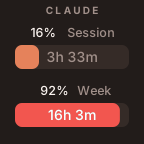
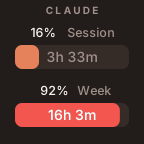
Claude
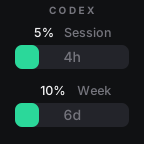
Codex
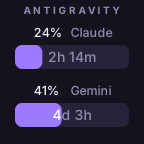
Antigravity
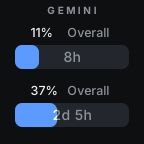
Gemini CLI
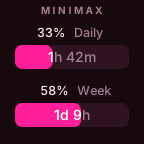
MiniMax
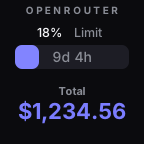
OpenRouter
Every action renders on a Keypad key with a brand-matched theme
AI Limits is a Stream Deck plugin that shows how much of your AI coding plan you have used. It draws a color-coded progress bar and a countdown to the next quota reset on a key or a Stream Deck+ dial.
Claude (Claude Code), OpenAI Codex, Antigravity, Gemini CLI, MiniMax and OpenRouter. Each provider has its own action with a matching theme.
Install AI Limits from the Elgato Marketplace and drag the Claude action onto a key or dial. It reads the credentials Claude Code already saved on your computer and shows session and weekly usage with reset times.
The Stream Deck app 6.9 or later on macOS 12 or Windows 10 and newer. It works on every Stream Deck model, with full dial layouts on Stream Deck+.
Yes. AI Limits is free on the Elgato Marketplace and open source under the MIT license.
 Next product
Fetcher
Anything with a URL.